Batch 12
Onboarding
Set your dive point
Connect identity, replay tracking, and notification preferences before public scores start flowing.
Setup
Add A Diver
Friend setup
Add a Steam ID or profile URL. Dota Diver uses the Steam account name and avatar as the main identity.
Onboarding Status
Waiting for Steam ID
Account ID
-
Name Source
Steam pending
Saved
-
Next Step
Replay Setup
What gets used
Steam identity powers the default public name and avatar. Group nicknames are separate aliases that only apply inside that group.
Progress
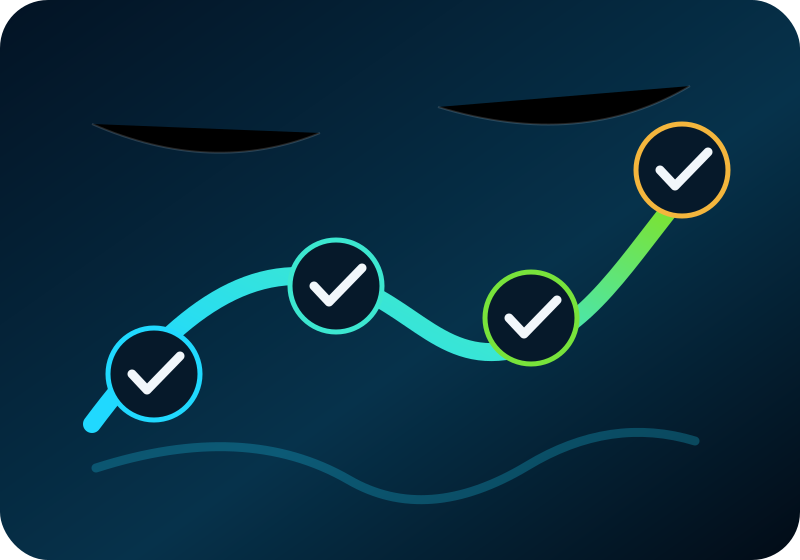
Setup Checklist
Dota Diver setup
Steam ID first, then replay tracking and notification preferences. Analytics still require valid Snorkel timeline data.
Steam identity is required before discovery can run.
Confirm replay discovery and the Snorkel timeline gate.
Discord stays notification-only and links friends back into the web app.